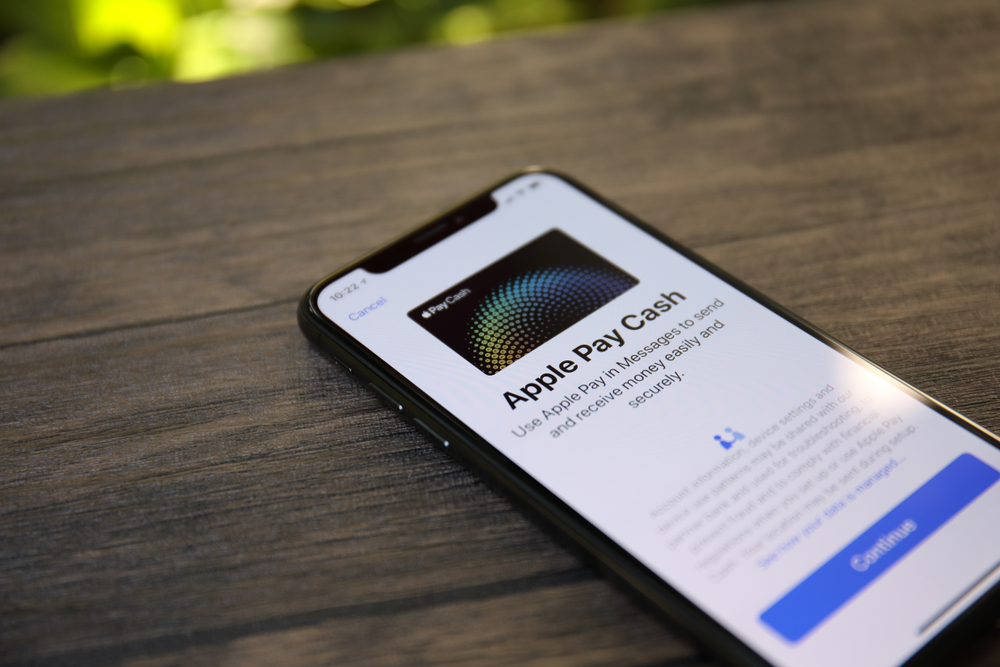
Technology has innovated much of our lives. When dining out, forgetting your wallet was a big deal. Cellphones have made our pockets never empty. There are apps that can help you pay the bill, repay a friend for food or easily split the bill between the table. The user can attach credit cards or debit cards to the apps to use freely. Remember, each company has its own security and rules to use.
If you lose your wallet, you should freeze your credit cards. While you are waiting for your new cards, the money management apps can help you. Money management apps are helpful but do not rely on them solely. Each company has its own transfer wait times and transfer fees. Here are five of the most commonly used money management apps.
1. PayPal
PayPal is one of the most used money management apps. After setting up an account, the user needs to connect a card or bank account to the account. PayPal stores card information and bank information. Users can open a line of credit. Many stores and restaurants accept the app. If there is no money in the PayPal account, it takes directly from the card or bank account instantly. When transferring money from PayPal to the bank or between PayPal accounts, it takes up to 3 business days. Doing business with companies like eBay have a small fee of 2.9% on transfers.
2. Google Wallet
Google connects to many things, so Google Wallet is a popular choice. Sign up for the app with your Gmail account and store all the cards digitally. Google Wallet is a quick way to pay bills at any supporting checkouts. Through the Google account, the user can transfer money through the phone app, Gmail and the website. Tapping the smartphone at supporting checkouts only works in the U.S. and has a 2.9% transfer fee. The user can use any money in the connected accounts instantly.
3. Apple Pay
The Apple Pay wallet app works the same way the Google Wallet does except for iOS instead of Android. Sign up for Apple Pay and connect any card necessary. The user can tap the smartphone at any supporting checkout to pay bills quickly. Apple Pay allows the user to use the iPhone, iPad and Apple Watch to pay. Millions of stores and airlines accept Apple Pay.
4. Venmo
Venmo is a lot like PayPal. The user sets up an account and adds debit cards, credit cards and bank accounts. Using a credit card has a small 3% fee. Transferring money between other Venmo users takes 1-2 business days. The Venmo money app works with iOS, Android and BlackBerry. Sending money is very simple. The user writes a note for what it’s for and adds the amount of the transfer.
5. Square Cash
Square Cash is a digital wallet like PayPal that allows the user to transfer cash through the phone app, an email and the website. There are no fees for personal money transfers, but there is a 1.9% fee for business transactions. Square Cash transfers take a little longer than Venmo. Unique to this app is being able to send money with the texting service in Snapchat as long as the user is 18 years old.